Slideshow maker
Your photos and a song, made into a video.
Drop files here
or click to choose from your deviceAccepted: JPG, JPEG, PNG, WEBP, HEIC, HEIF, MP3, M4A, AAC, WAV, OGG, OGA, OPUS, FLAC, WEBA
Up to 31 files per runUp to 150 MB per file5 runs per dayRemove limits with Pro✓ Works offline
Your files stay on your device
This tool runs entirely in your browser. Nothing is uploaded, nothing is stored, and you can even turn off your internet connection before you start.
Example
Example: 24 photos and a 2:48 song for a third birthday party, on the TV
For their daughter’s third birthday party, a family picks 24 photos from her first three years, most of them upright phone shots (3024 × 4032), and the song she dances to, 2 minutes 48 seconds long. It will play on the living-room TV: Landscape 1920 × 1080, Fade, “Whole photo on a blurred background”.
- Add the 24 photos, oldest first, then the song: 25 files, within the free plan’s 31 (30 photos and one song).
- Choose “Fit to the music”: 168 seconds shared by 24 photos is exactly 7 seconds each, and every fade takes 0.6 seconds.
- An upright 3024 × 4032 photo is scaled to 810 × 1080 pixels in the middle of the frame; a blurred, darkened copy of it fills the 555 pixels on each side.
- A 4:3 landscape shot (4032 × 3024) fills 1440 × 1080 with narrower blurred bands; one already 1920 × 1080 fills the screen.
| Each photo | Video length | The song |
|---|---|---|
| 3 seconds | 1:12 | cut, fading out over the last 2 seconds |
| 5 seconds | 2:00 | cut, fading out over the last 2 seconds |
| 8 seconds | 3:12 | starts again from the beginning, fades out at the end |
| Fit to the music | 2:48 | whole, 7 seconds a photo |
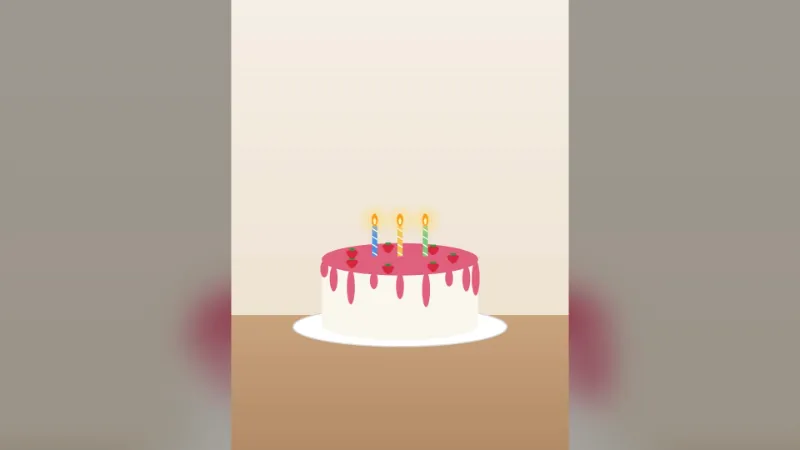
slideshow.mp4, 2 minutes 48 seconds, starting on the song’s first note and ending on its last; the final photo, the cake with three candles, stays whole on its blurred background. With “Crop to fill” the same upright photo would be cut to its middle 42 %, losing heads and feet.
How it works
- Add your photos in the order you want them — JPG, PNG, WebP or HEIC — and, if you like, one song (MP3, M4A, WAV…).
- Choose how long each photo stays, or “Fit to the music”, then the transition, the size and how photos that don’t fit are shown.
- Press Make slideshow and download slideshow.mp4.
Frequently asked questions
- What happens to the music?
- It plays under the photos. A longer song fades out at the end of the slideshow; a shorter one starts again. With “Fit to the music” the photos are spread over the whole song instead.
- How many photos can I use?
- Up to 30 photos and one song in a video, each file up to 150 MB, and the video can last up to 20 minutes. Phone photos come out the right way up.
- Which size should I choose?
- Landscape for computers and TVs, square for feeds, vertical 1080 × 1920 for stories and short-video apps. “Blurred background” fills the frame without cutting off anyone’s head.
- How long does it take?
- About 10 seconds for 30 photos on a recent computer. The slow zoom makes the file about half as big again.
- Why are there blurred bands beside my upright photos?
- In a landscape 1920 × 1080 frame an upright phone photo can be only 810 pixels wide if none of it is cut off, so the sides are filled with a blurred, darkened copy of the same photo. For a slideshow of mostly upright photos meant for phones, choose Vertical 1080 × 1920; “Crop to fill” fills the frame but keeps only the middle 42 % of an upright photo’s height.
- What if the song is shorter than the photos need?
- With “Fit to the music” each photo gets the song’s length divided by the number of photos, but never less than 1 second: 30 photos and a 20-second clip make a 30-second video, and the clip starts again from the beginning and fades out at the end.
- Are my photos uploaded?
- No. The video is made in your browser; your photos and music never leave your device.