PNG to SVG
A PNG traced into outlines that scale to any size.
Drop files here
or click to choose from your deviceAccepted: PNG, JPG, JPEG, WEBP, GIF, BMP
Up to 3 files per runUp to 20 MB per file5 runs per dayRemove limits with Pro✓ Works offline
Your files stay on your device
This tool runs entirely in your browser. Nothing is uploaded, nothing is stored, and you can even turn off your internet connection before you start.
Example
Example: a transparent coffee-cup PNG traced for iron-on vinyl tote bags
cup.png, 2000 × 1000 pixels with a transparent background: a black coffee cup on a saucer with three wisps of steam and no text, to be cut from iron-on vinyl for a coffee cart’s tote bags. Settings: One colour, outline Black, Detail High, “Round the corners into curves” on.
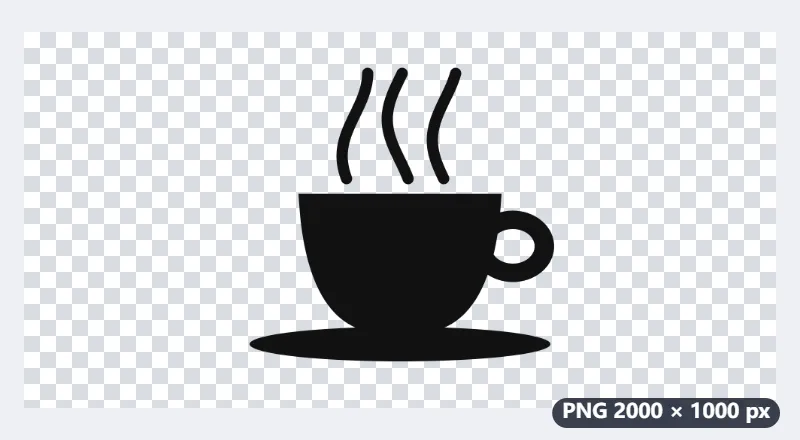
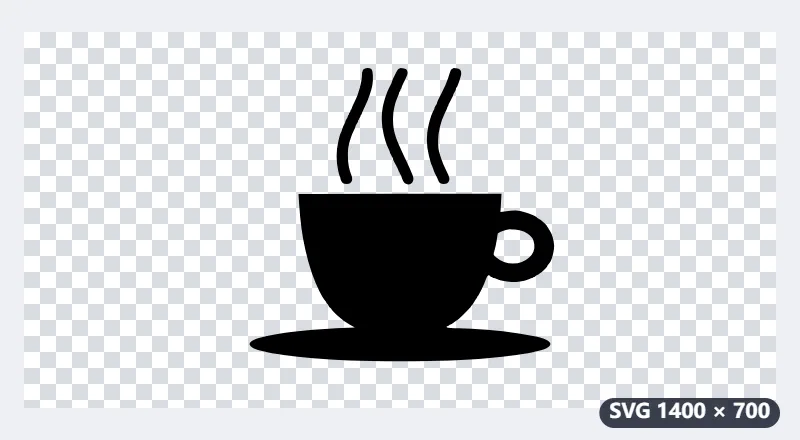
- The PNG is over 1400 pixels wide, so it is traced at 1400 × 700; the SVG starts at that size and scales from there.
- The transparent background counts as white and is not traced: the SVG holds only the cup, one black path, with nothing around it.
- The gap inside the handle is a real hole in the path, so the cutter cuts round it and it weeds away.
- “Trace the light parts instead” would do the opposite: the space around the cup would become the shape and the cup a hole.
| Setting | What the SVG holds |
|---|---|
| One colour, Black | One path in #000000, the rest transparent |
| One colour, Red | The same path in #b91c1c |
| Detail “Low — simplest shapes” | Fewer points: a smaller file, simpler curves |
| Several colours, background “Keep it” | A rectangle in the commonest colour underneath, white for a transparent PNG |
| Several colours, background “Leave it out” | Only the coloured areas |
cup.svg, a small text file that opens in Cricut or Silhouette software, Inkscape or a browser and can be sized to any width; the PNG stays as it was. For iron-on vinyl, mirror the design in the cutting software before you cut.
How it works
- Add your PNG file.
- Choose one colour for a logo, drawing or signature, or several for flat-colour artwork; adjust the detail.
- Download the SVG and open it in Illustrator, Inkscape, Figma or a cutting-machine program, or put it on a website.
Frequently asked questions
- Does this really convert PNG to vector?
- Yes. The PNG is traced into paths (curves and lines), not wrapped as a picture inside an SVG, so it can be scaled, recoloured and cut. A transparent PNG stays transparent: only the drawing is traced.
- Which images work best?
- Logos, icons, drawings, signatures and flat illustrations with clear edges. Photos of people or landscapes can be traced into posterised shapes but won’t look like the photo.
- How do I get a smaller file?
- Lower the detail and the number of colours: fewer points and fewer shapes. Rounding corners into curves also reduces points.
- Can I use the SVG with a Cricut or Silhouette?
- Yes — a one-colour tracing gives closed shapes a cutting machine can follow. Remove the background if the program should cut only the drawing.
- Why is my SVG 1400 pixels wide when the PNG was bigger?
- PNGs over 1400 pixels on the longer side are scaled down to 1400 before tracing: finer detail is mostly noise, and the tracing stays quick. The SVG is made of outlines, so it still prints and cuts sharp at any size.
- What does “Trace the light parts instead” do?
- It swaps ink and paper in a one-colour tracing: the light areas become the shape and the dark ones the holes. Use it for a white logo on a dark background.
- Is my image uploaded?
- No. The tracing runs in your browser; the file never leaves your device.