Convert a drawing to vector
Hand-drawn lines, as clean curves that scale to any size.
Drop files here
or click to choose from your deviceAccepted: PNG, JPG, JPEG, WEBP, GIF, BMP
Up to 3 files per runUp to 20 MB per file5 runs per dayRemove limits with Pro✓ Works offline
Your files stay on your device
This tool runs entirely in your browser. Nothing is uploaded, nothing is stored, and you can even turn off your internet connection before you start.
Example
Example: a marker drawing of a smiling sun traced into one SVG path
sun.png, a 1400 × 1400 pixel scan of a smiling sun drawn in black marker on off-white paper: a ring, eight rays, two dot eyes and a smile, the paper a little darker towards one corner. Settings as the page opens: One colour, Black, Detail High, corners rounded.
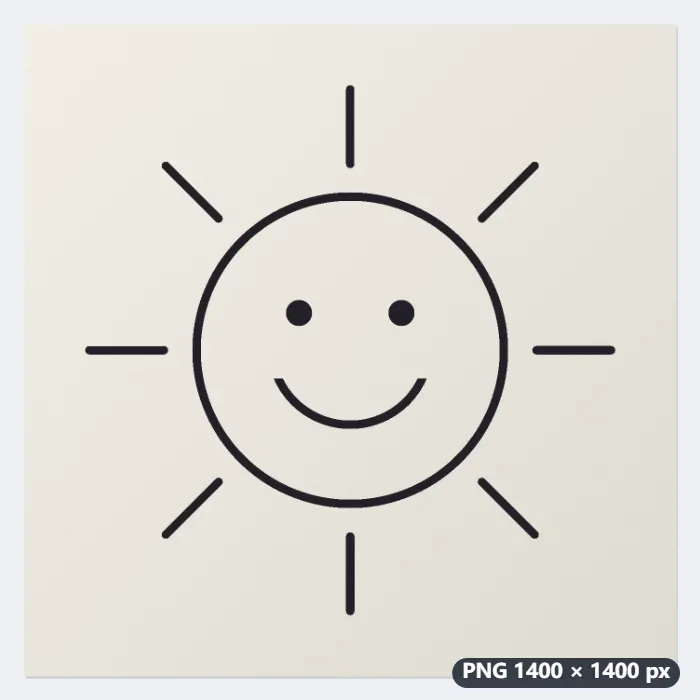
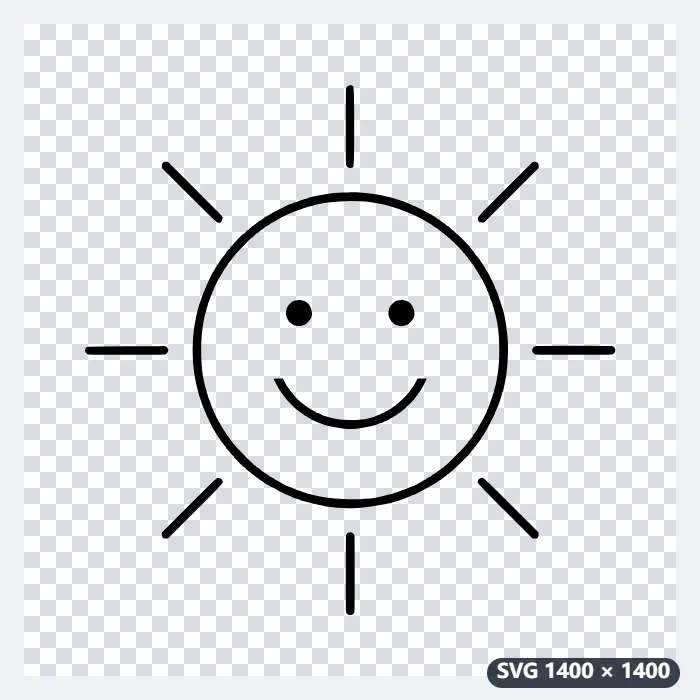
- The greys are split into ink and paper at a threshold found from the picture itself, so the darker corner of the paper stays paper. A bigger photo would first be scaled to 1400 px on its longer side.
- The ink is walked into closed outlines: 13 here, the ring’s outside and its hole, eight rays, two eyes and the smile, all in one black path with the hole kept open.
- Detail thins each staircase outline to its corners, and rounding turns the corners into curves.
| Detail | Points kept | SVG, corners rounded | Not rounded |
|---|---|---|---|
| Highest | 5,318 | 98.8 KB | 44.9 KB |
| High | 619 | 11.3 KB | 5.2 KB |
| Medium | 203 | 4.1 KB | 1.8 KB |
| Low | 176 | 3.6 KB | 1.6 KB |
sun.svg, viewBox 1400 × 1400 and about 11 KB: the drawing as black shapes and the paper left out, so it is transparent and scales to any size for a cutting machine, a sticker or a logo.
How it works
- Scan or photograph the drawing in good, even light, then drop the image.
- Keep One colour for line art; choose the colour of the lines and the detail.
- Press Trace and download the SVG.
Frequently asked questions
- Pencil lines come out broken. What helps?
- Go over the drawing with a pen or marker, or raise the contrast first; faint pencil and grey shading trace as broken strokes.
- My photo has a shadow across the page.
- Take the shadow off first with the document shadow remover, then trace the clean page.
- What can I use the SVG for?
- Cutting machines and laser cutters, embroidery software, logos, stickers, and printing at any size without blur.
- Which detail should I choose?
- High keeps the hand-drawn feel in a small file. Highest follows every bump and pixel step: on a 1400-pixel drawing about 99 KB against 11 KB. Medium and Low smooth the lines into simpler shapes, which cutting machines handle more cleanly.
- Is the paper part of the SVG?
- No. In One colour only the ink is traced, as one path in the colour you choose, and nothing is drawn behind it, so the background is transparent. For light lines on a dark board, tick Trace the light parts instead.
- Is my drawing uploaded?
- No. Everything runs in your browser. The free plan handles 3 images per run, 20 MB each and 5 runs a day.